Examples
This page shows what NebGuard looks like when it fires. The exact wording you see depends on the rule and your environment; the shapes below are representative, not literal.
A blocked action
When the agent tries something dangerous, NebGuard stops it before it runs and explains why. The agent sees the block and has to choose a safer path instead of executing the action:
BLOCK  Destructive operation on a protected branch

  The agent attempted: git push --force origin main

  This would overwrite shared history on a protected branch.
  The action was stopped before it ran.

  Suggested next step: open a pull request, or push to a feature
  branch and request review.
A block is final for that action. For the highest-stakes guards, the agent cannot talk its way past the block by writing its own justification.
A context note
A context note does not stop anything. It adds context to keep the agent on course, for example reminding it of a step it skipped or a constraint that matters for the task. The agent reads the note and continues:
CONTEXT  Verification step missing

  You changed application code but have not run the test suite.
  Run the tests and confirm they pass before marking this done.
Context injection is also how NebGuard re-states key constraints after the agent trims its own context, so the rules that matter survive the agent's memory management.
A guide note
A guide note flags a risky action without blocking it. The agent and the human both see the note and can decide whether to proceed:
GUIDE  Editing a generated file

  config.generated.yaml is produced by a build step.
  Hand edits here will be overwritten on the next build.
A minimal override file
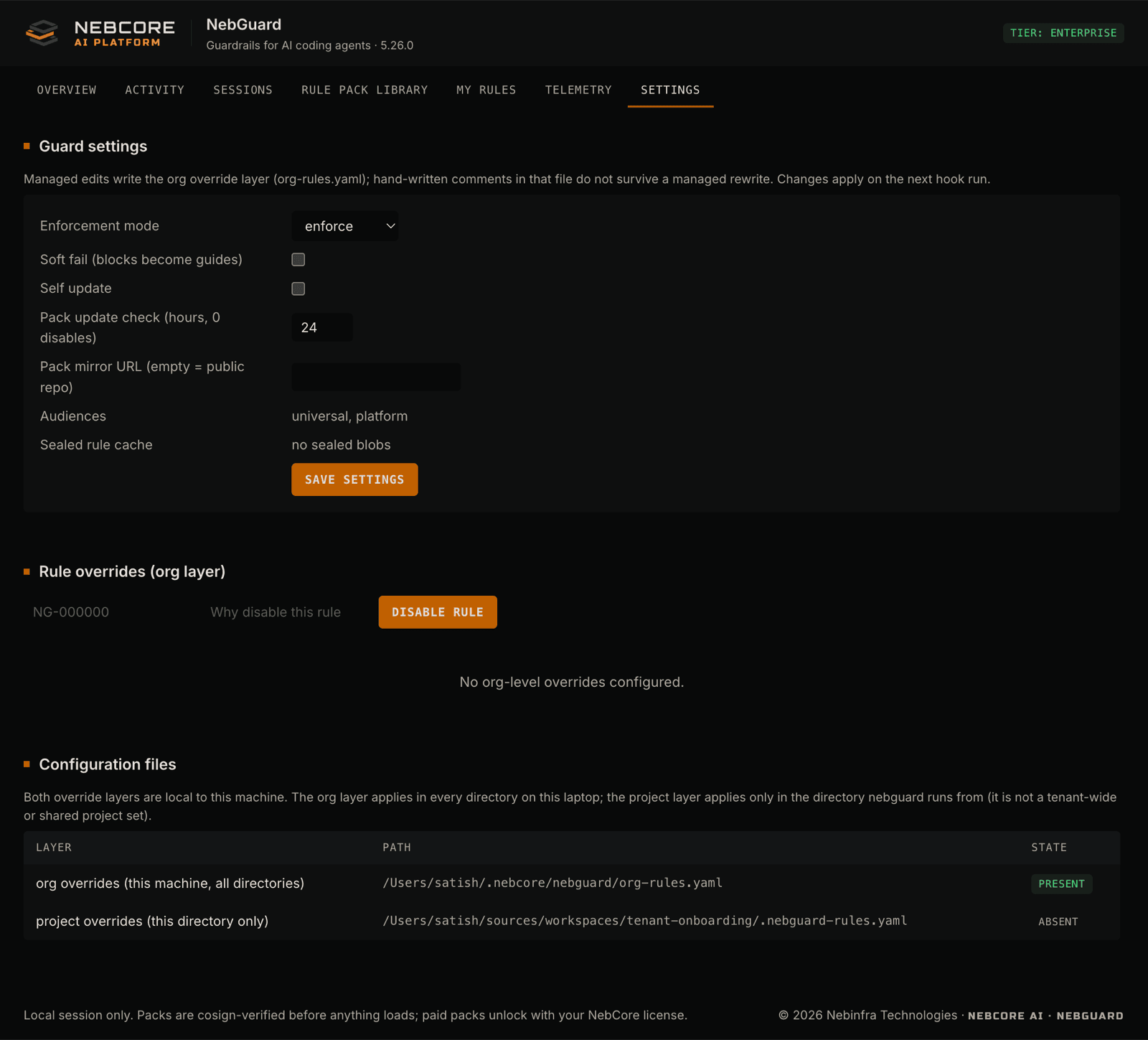
NebGuard writes a starter override file the first time you run setup, so you have a place to adjust rules for your repository or your organization. The idea is small and declarative: you point at a rule and change how it behaves for you. Conceptually:
# .nebguard-rules.yaml (per-repository overrides)
rules:
  some-rule-id:
    # turn a block into a warning for this repo, or
    # silence a rule that does not apply here
    severity: warn
Override files are for tuning rules to your environment. The fail-safe, no-self-bypass guarantees still apply: the highest-stakes guards cannot be silenced away, and a critical guard that errors out still fails closed.
The local dashboard
NebGuard ships a local management UI. Run nebguard serve and it opens in your browser, reading this machine's own audit trail and license state. It listens on a loopback-only address with a per-launch URL token, so nothing is reachable from another machine, and it leaves no daemon running once you stop it.
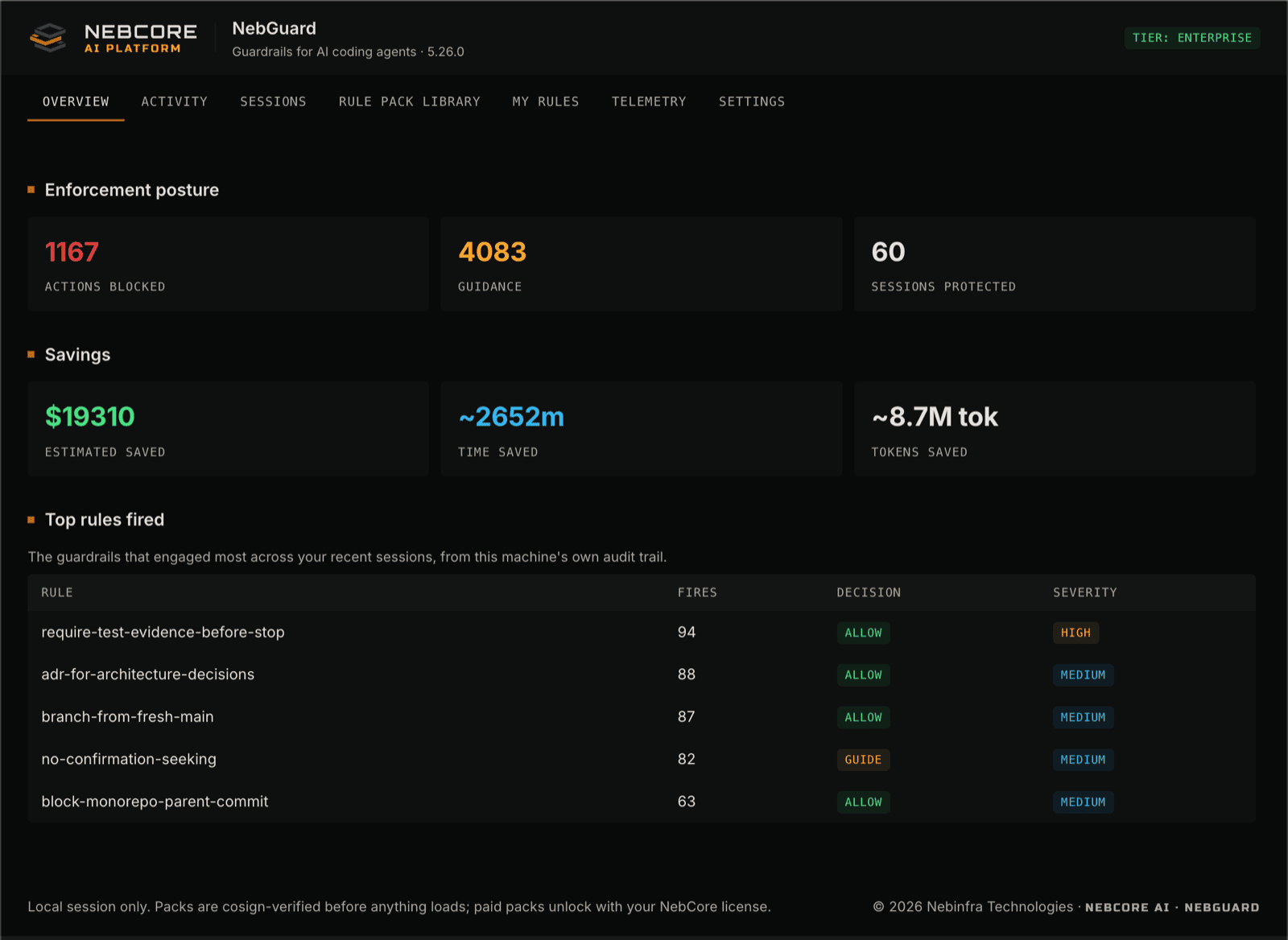
Overview: enforcement posture and savings at a glance.
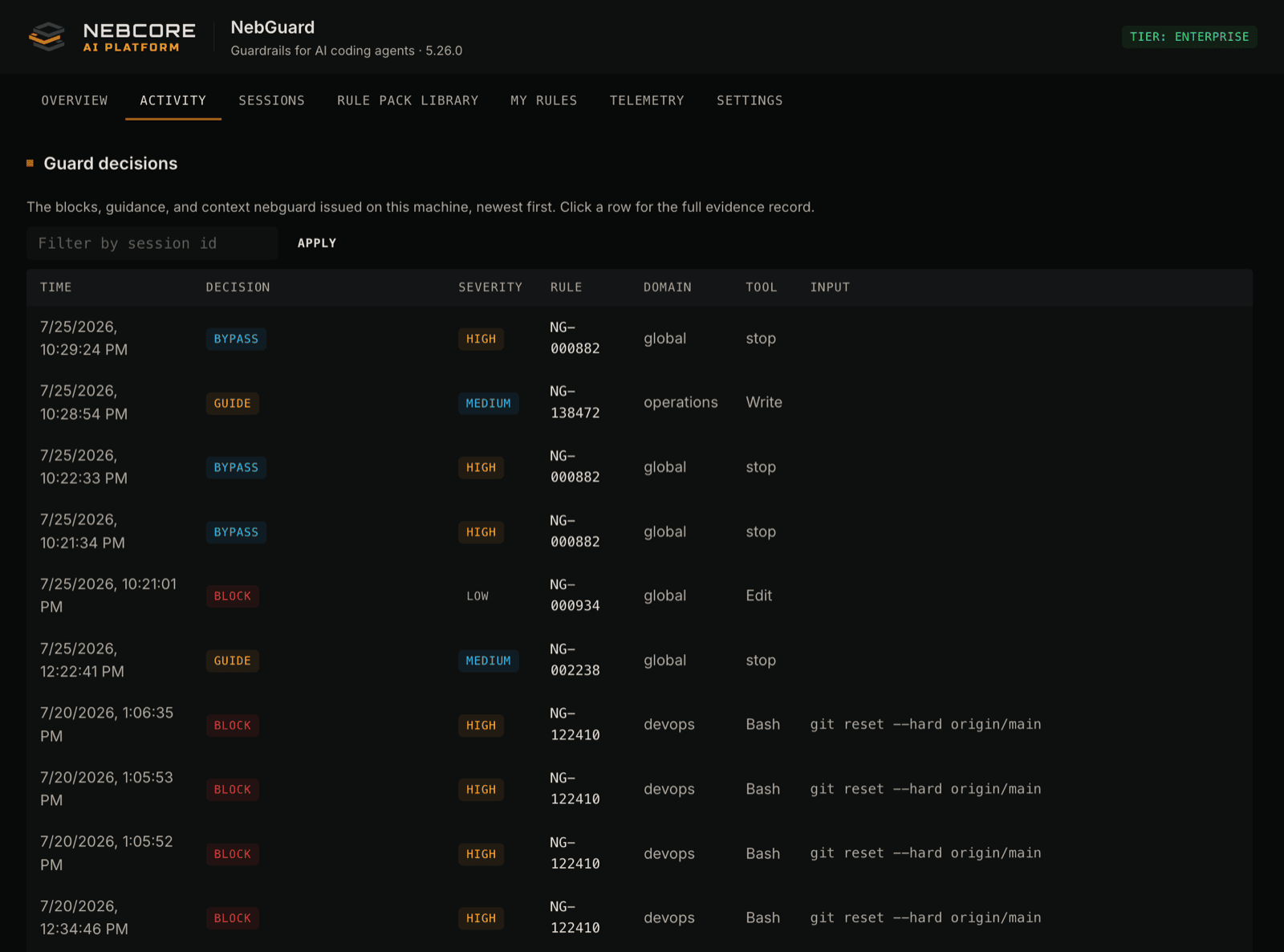
Activity: every guard decision, newest first, each row a full evidence record.
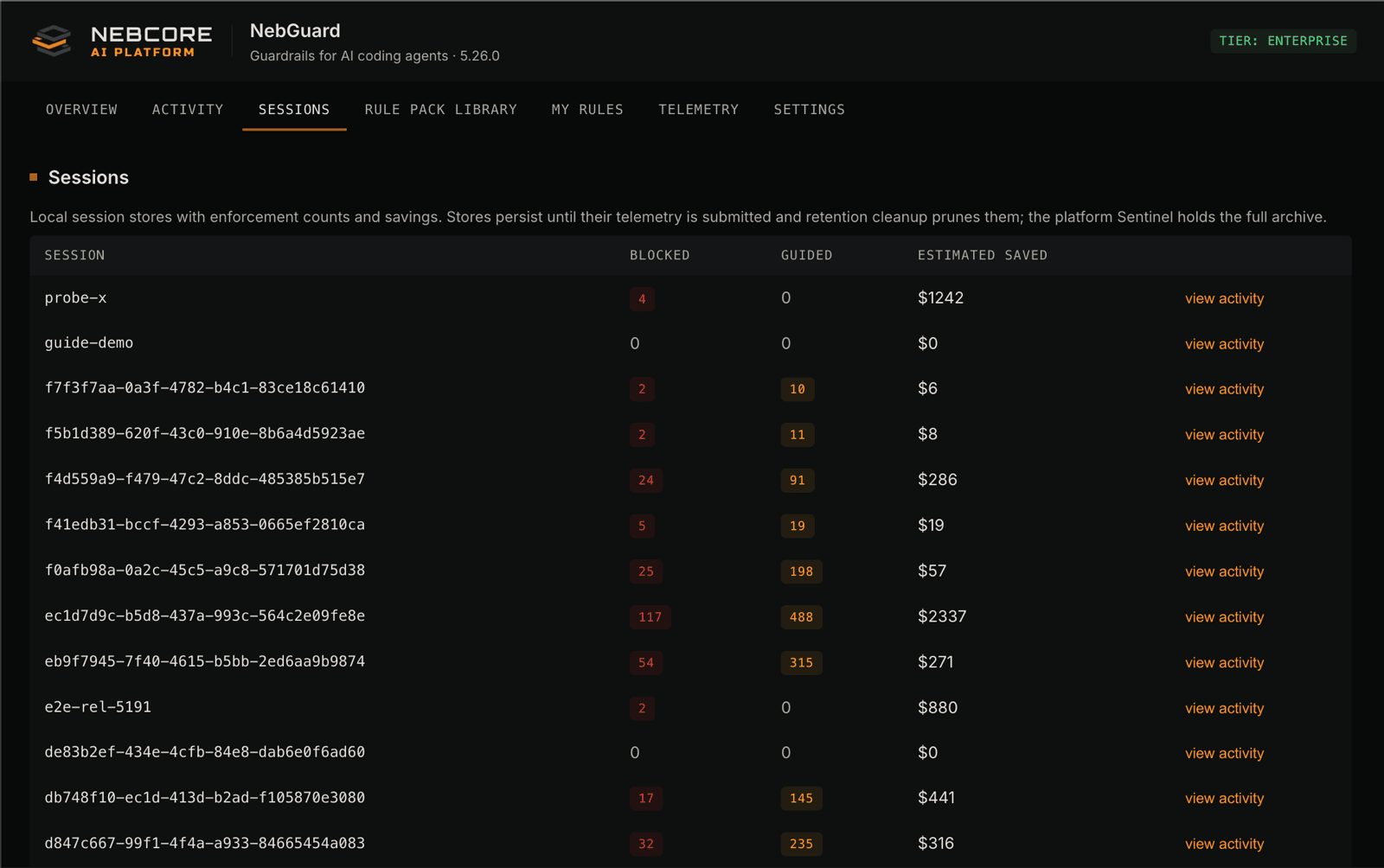
Sessions: per-session enforcement counts and estimated savings.
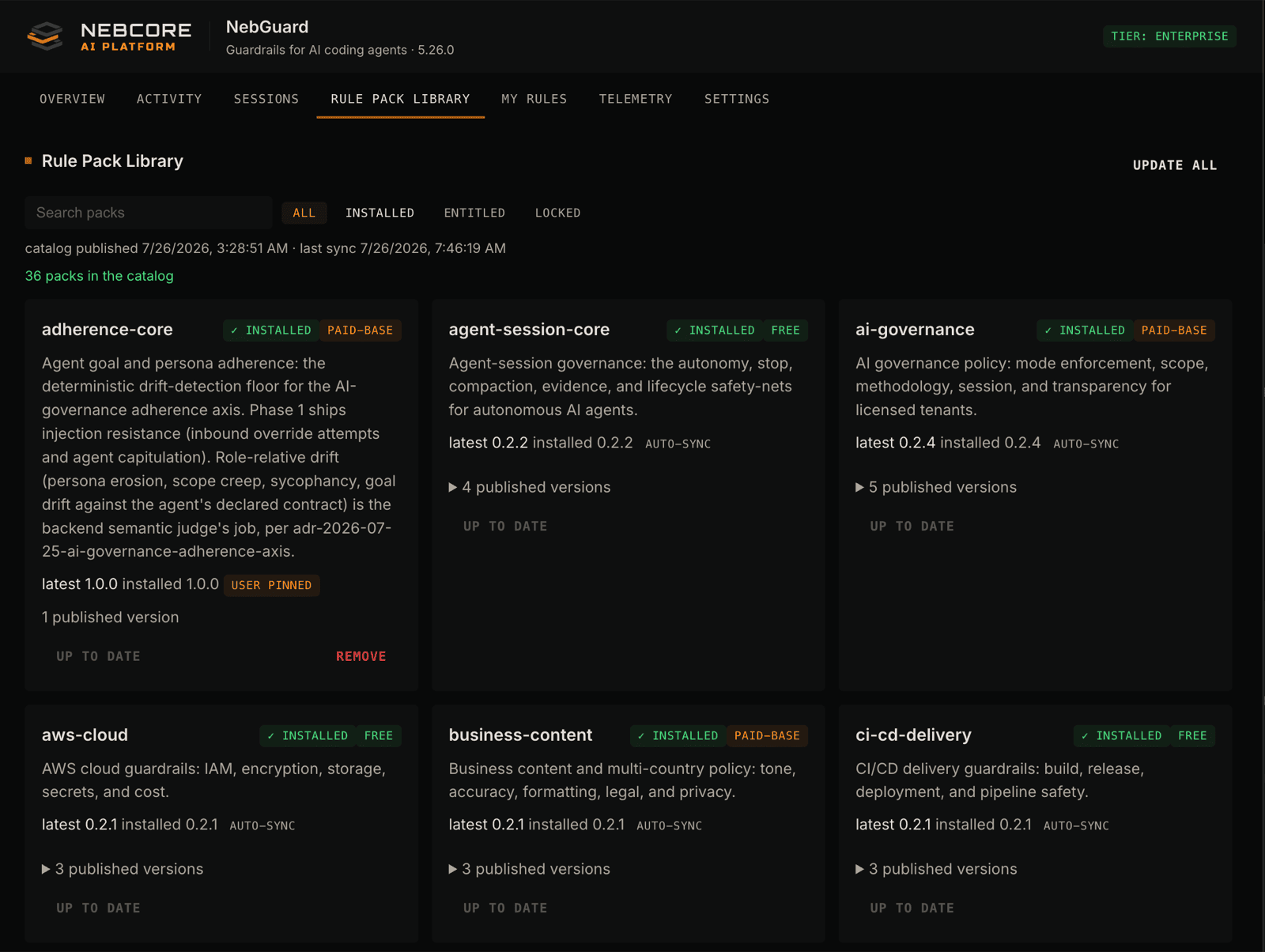
Rule Pack Library: browse, install, and update rule packs by domain.
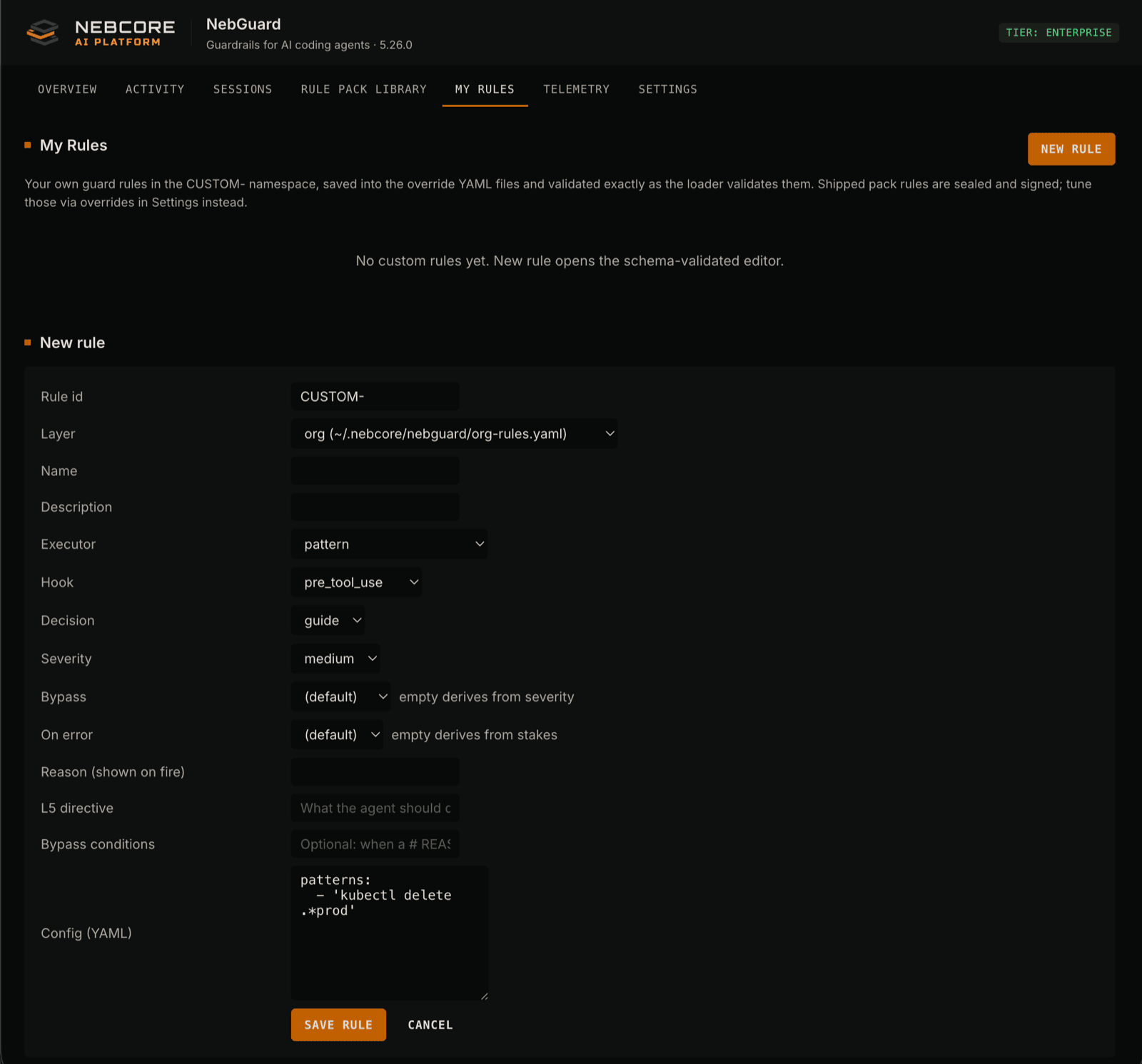
My Rules: author your own rules in a schema-validated editor.
Settings: enforcement mode, pack updates, and org-level overrides.